RetroShooter White Box – Emulator Soft-Mod (Team Encoder Style)
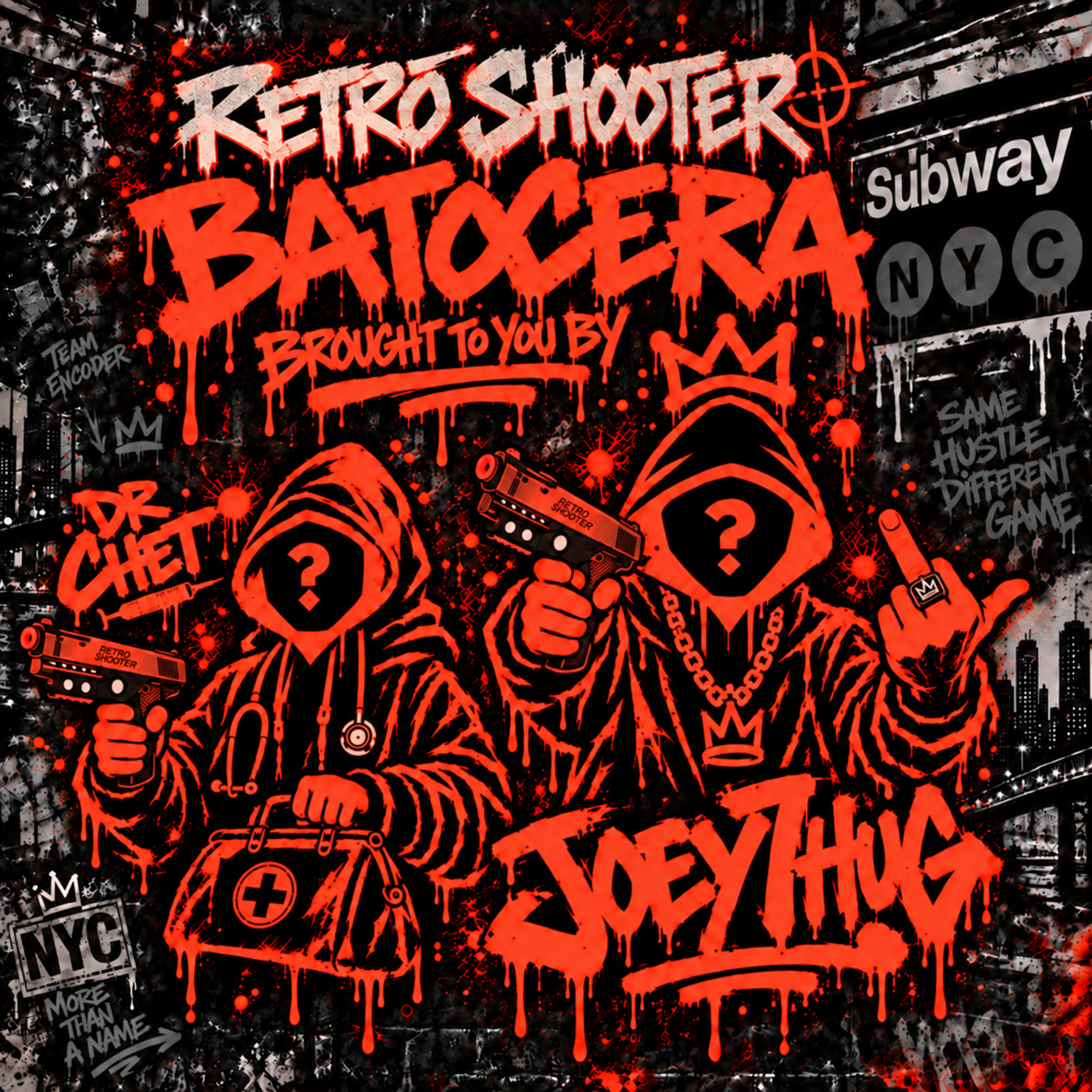
Version 1.0 – 2026
Overview
This mod adds full emulator support to RetroShooter white-box cabinets, including RetroShooter and Sinden lightguns. Flash a custom image to an SD card, load ROMs, and the box runs them. Remove the SD card to return to stock operation automatically.
Installation Steps
- Download the RetroShooter Flasher (RetroShooter_Flasher_v1.0.zip) and extract it.
- Insert a Class-10 (8–32GB) microSD card into your PC.
- Open the flasher, select the SD card, click “Flash” and wait for 100% completion.
- Insert the flashed SD card into the RetroShooter box and power it on. Let it finish booting.
- On first boot, the flasher creates a “ROMs” partition with folders: MAME, NES, SNES, Arcade, Lightgun.
- Power down, remove the SD card, and copy your legally owned ROMs into the appropriate folders on your PC.
- Reinsert the SD card, power the cabinet, and use the new Emulator Menu to select and play games.
- No complaints – if the ROM is compatible, it will play. Enjoy!
Reverting to Stock
Just remove the SD card and power the cabinet; the original firmware loads automatically.
Need Support?
As always, Discord is the best place to go for the latest updates and support. There is a great community there testing and sharing game lists and tools.
Join the Discord community
Enjoy your upgraded RetroShooter box!